
- Playbooks
- How to use Playbooks
How to use Playbooks within the Summize web app
Upload your Playbooks to Summize to have an accessible bank of positions and precedents that the business can rely on. These can be accessed within Summize to aid you in negotiations.
How to access your Playbooks:
Your Playbooks can be accessed within Requests or Repository to help you view your businesses standards and positions.
Open a contract within the Repository or Requests and click on the Playbook tab, as seen in the screenshot below:
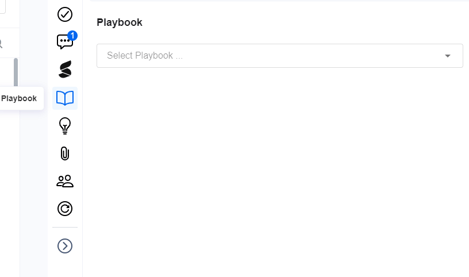
Use the dropdown to select the appropriate Playbook. Your Playbook content can now be viewed alongside your contract in the Summize web app to aid your contract review process.
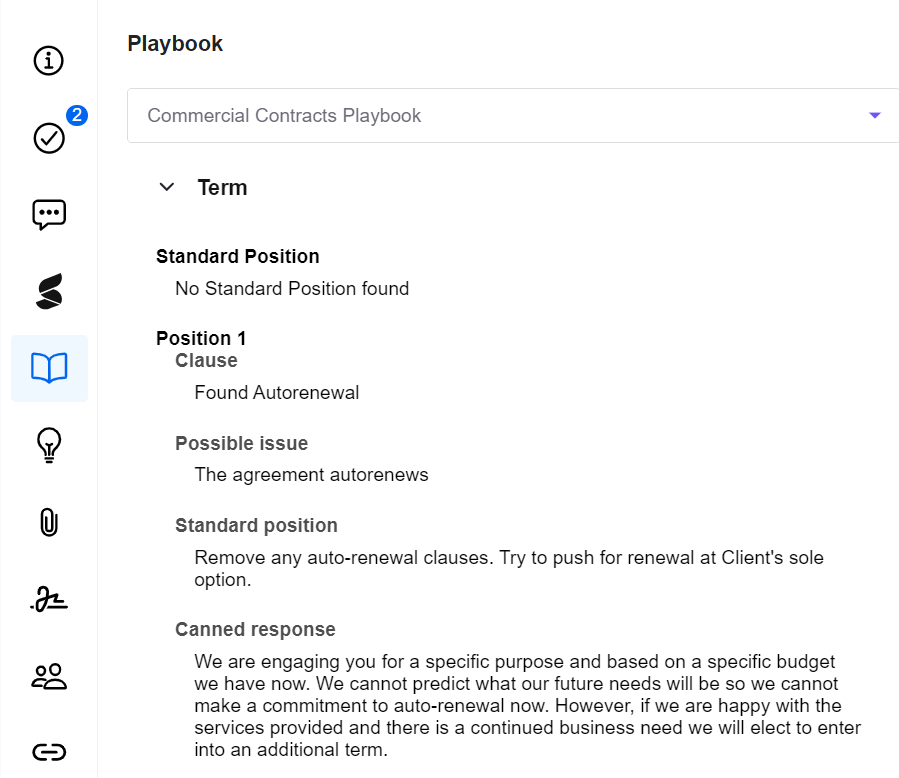
You can use the Copy to Clipboard button to copy any section of the Playbook content into your Clause Summary, Clause Comment, a Conversation or a Task.