
- Integrations
- Outlook
How to install the Outlook Inbox Assistant
Follow these steps to install the Summize Outlook add-in
Note: the below instructions refer to the latest version of Outlook. If you are using an older version of Outlook, the position of some of the buttons may vary.
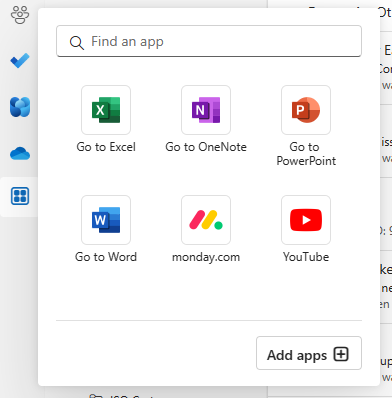
In Outlook, navigate to the Apps icon in the left hand bar, and click 'Add apps':
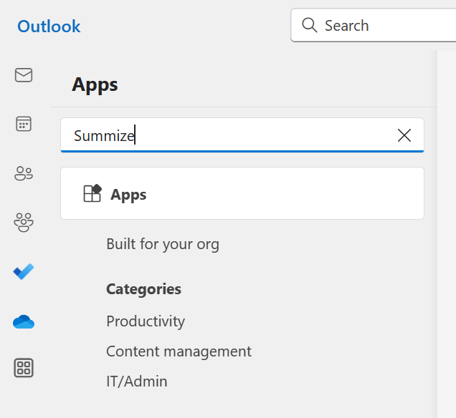
In the search bar, type 'Summize':
Select the appropriate add-in for your organisation:
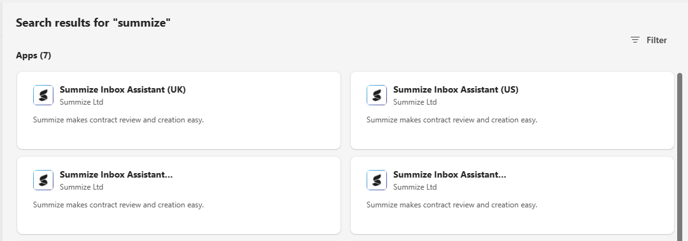
Note: if you're not sure which to select, check the URL you use to access Summize:
| URL | Add-In |
| app.summize.com | Summize Inbox Assistant (UK) |
| app-us.summize.com | Summize Inbox Assistant (US) |
| app-aus.summize.com | Summize Inbox Assistant (Aus) |
| app-ch.summize.com | Summize Inbox Assistant (Swiss) |
| app-uae.summize.com | Summize Inbox Assistant (UAE) |
(or feel free to check with your Summize contact!)
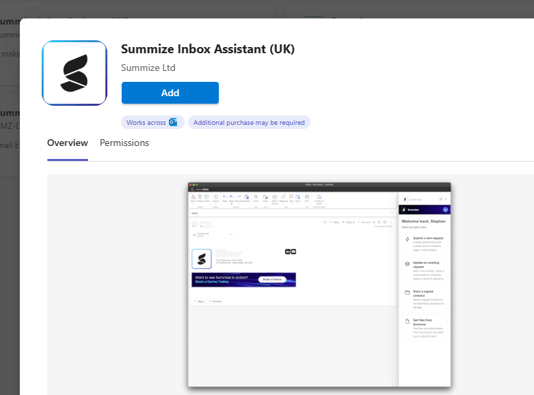
In the pop-up, click 'Add':
Your Summize Inbox Assistant is now ready to use! For further guidance on using the Inbox Assistant, visit this page: How to use the Outlook Inbox Assistant