- Ask SIA
- Summize Agents
How to configure Summize Agents
This article outlines how to configure permissions and monitor usage of Summize Agents
Summize Agents are developed by Summize and include configurable permission controls, along with tools to monitor usage and capture user feedback.
Configuring Access Permissions
Navigate to ‘SIA Hub’ in your menu:
Here you will see various Summize Agents available to you:
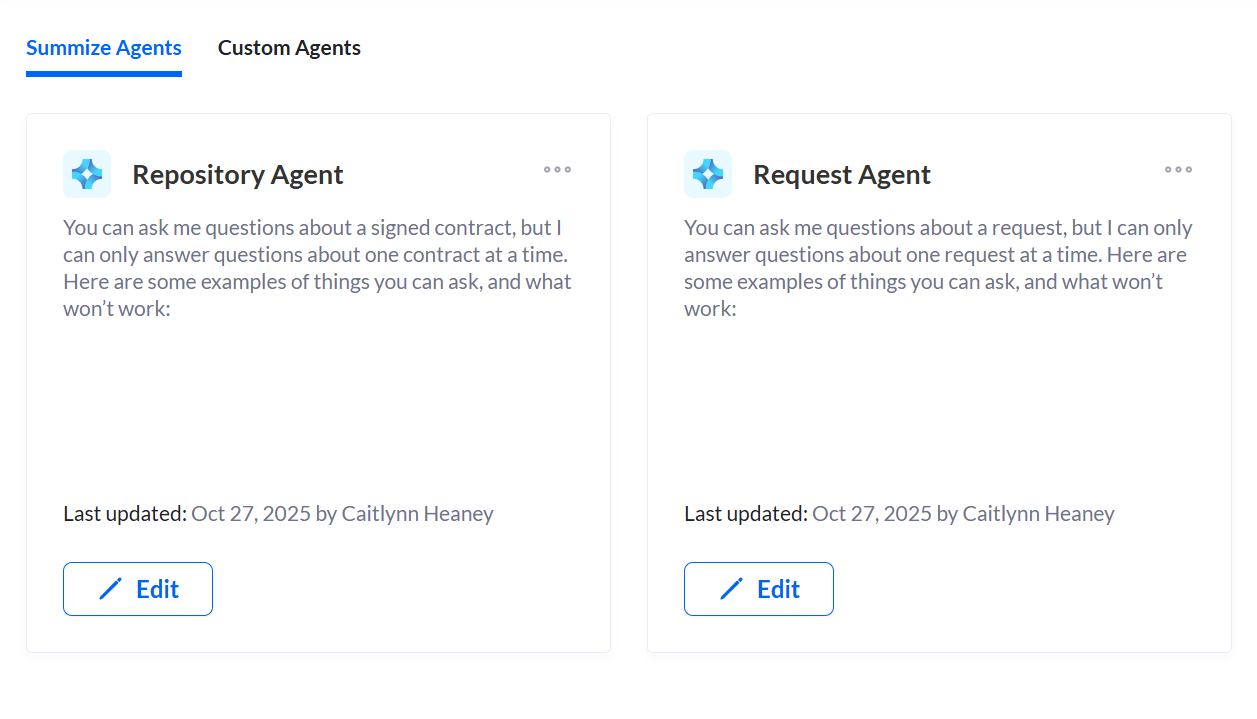
Click Edit on the agent you want to configure.
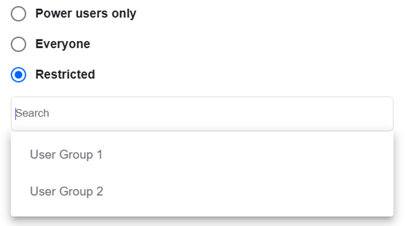
In the Settings tab, you have the ability to cofigure access controls for the agent you're editing:
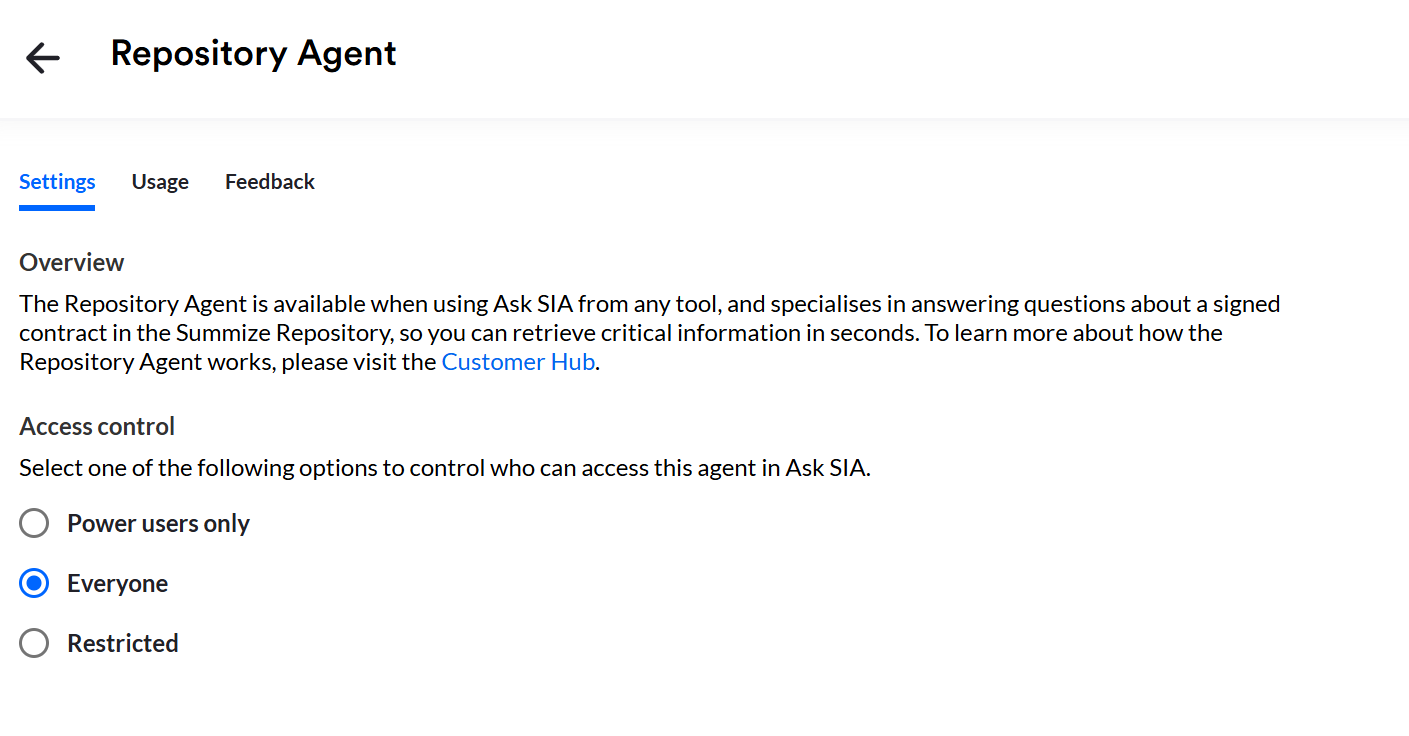
Select who should have access to the custom agent by selecting the most appropriate option – either all Power users, all users, or restricted to users within a specific user groups.
Monitoring Usage & Feedback
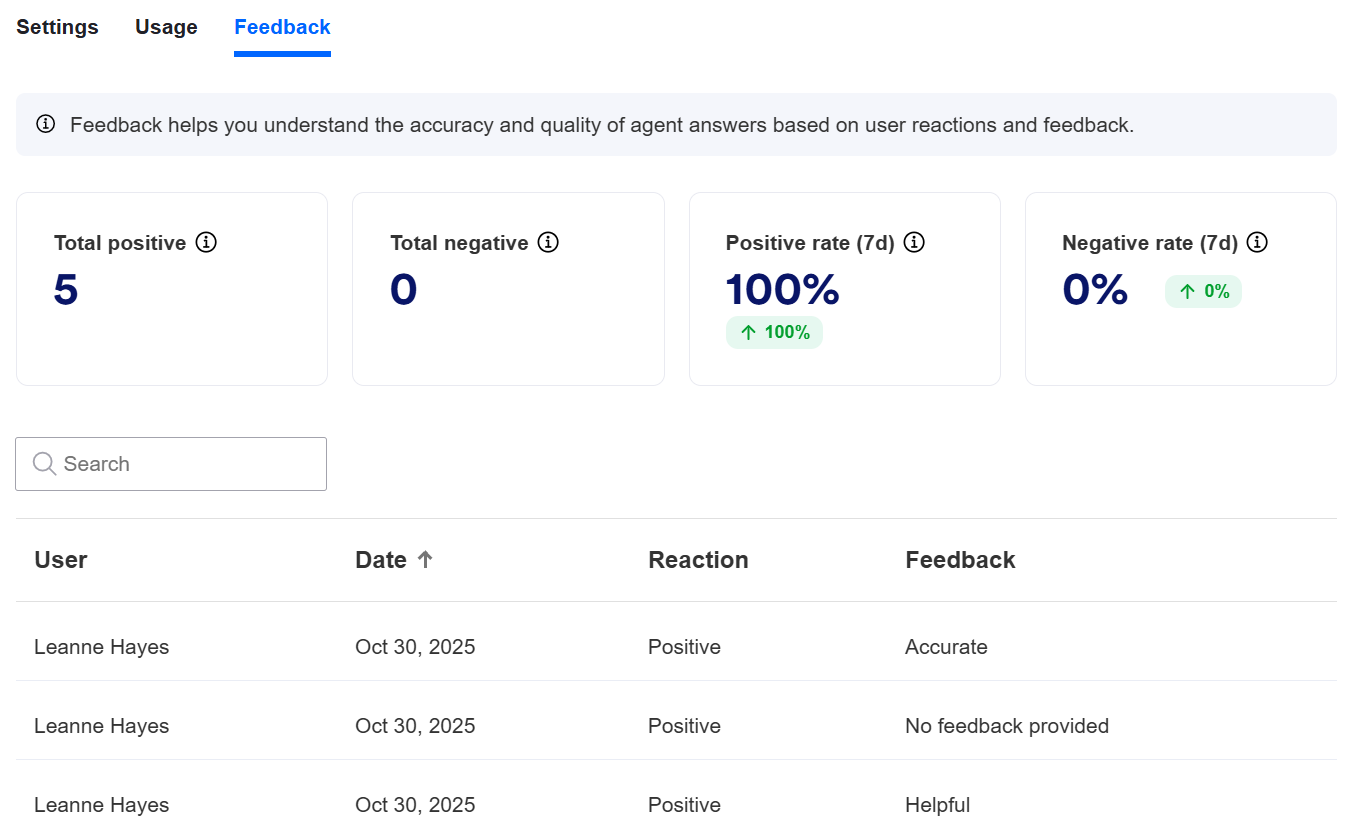
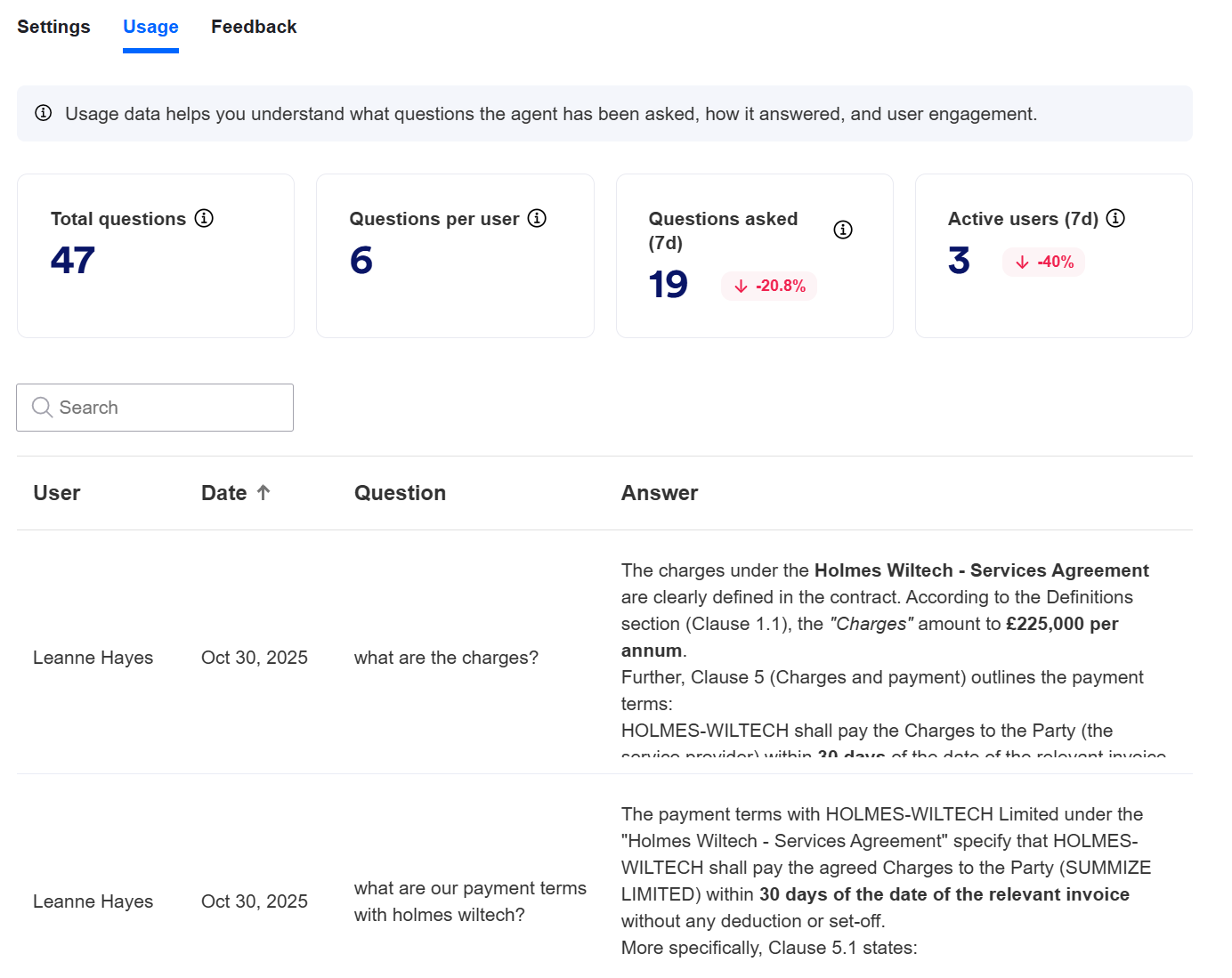
You can monitor usage and answer feedback of the Summize agents using the ‘Usage’ tab and the ‘Feedback’ tab.
In ‘Usage’, you can see the questions that have been asked and the responses that the agent gave. You can also see some stats around volume of questions asked and number of users who have asked questions.
In ‘Feedback’, you can see any thumbs up/down responses that your users have given, alongside any reasoning they have provided. You can also see stats around overall positive versus negative responses.