
Single sign-on (SSO) is a session and user authentication service that permits a user to use one set of login credentials.
Note: Setup requires an Okta admin, who also has admin access to Summize.
Summize supports OAuth 2.0 and OpenID Connect (OIDC) for Single Sign-On (SSO) authentication.
This easy-to-follow guide includes the step-by-step process you need to set up Okta SSO for your Summize account.
Please note that the Summize app is Service Provider (SP)-initiated, not Identity Provider (IDP)-initiated. This means your users must access the platform directly via the app URL. To simplify access for your users, you can bookmark the the Summize web app and make it available on the Okta dashboard of the relevant users or groups.
Okta: Marketplace App Installation
The Okta Admin will need to install the Summize application within your Okta instance. To install this go to the ‘Applications’ menu:
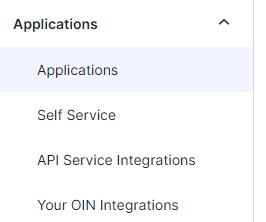
Then click on Browse App Catalog:

And search for Summize in the search bar:
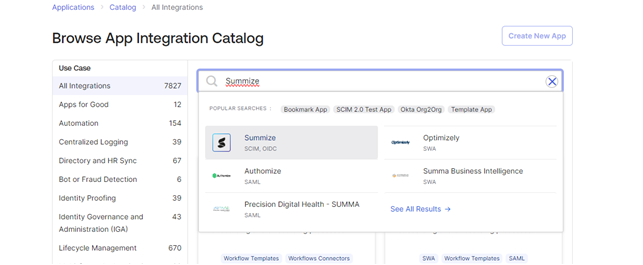
Click Add Integration. This will install the Summize app in your Okta instance.
Okta: SSO Setup
The next step is to get SSO setup. Click on the Sign On tab and click Edit at the top of the page.
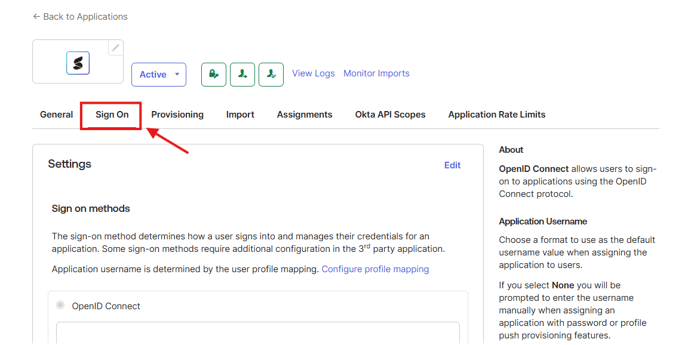
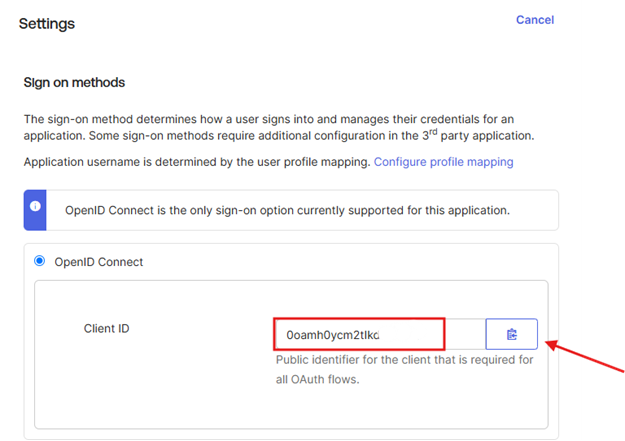
Copy the Client ID value, along with your Okta domain (e.g. summize.okta.com) and send it across to your Summize contact to setup your SSO connection:
Your Summize contact will supply you the Customer ID to input below:
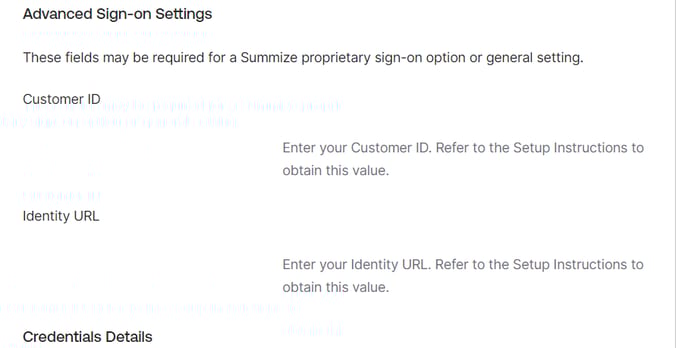
The Identity URL will depend on the datacentre your Summize account is installed on, i.e. the URL you use to access Summize. See table below for reference (or ask your Summize contact if you're not sure!):
| Summize URL | Identity URL |
| app.summize.com | https://identity.summize.com |
| app-us.summize.com | https://identity-us.summize.com |
| app-aus.summize.com | https://identity-aus.summize.com |
| app-ch.summize.com | https://identity-ch.summize.com |
| app-uae.summize.com | https://identity-uae.summize.com |
It should look something like this once populated:
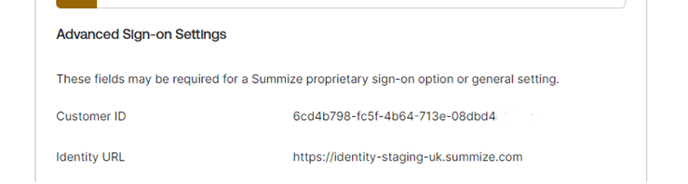
Your Summize contact will then setup SSO on our application and will confirm once done.