- Repository
- Introduction to the Repository Table
How to change contract types
We understand that mistakes happen and minds can change! Here's a guide on how to change the contract type after a contract has been uploaded.
Available to Power and Power Pro users
To change the contract type of a contract after it has been uploaded to the Repository, follow these steps:
- Navigate to the Repository table
- Find the contract(s) that you would like to edit (by filtering, searching, etc)
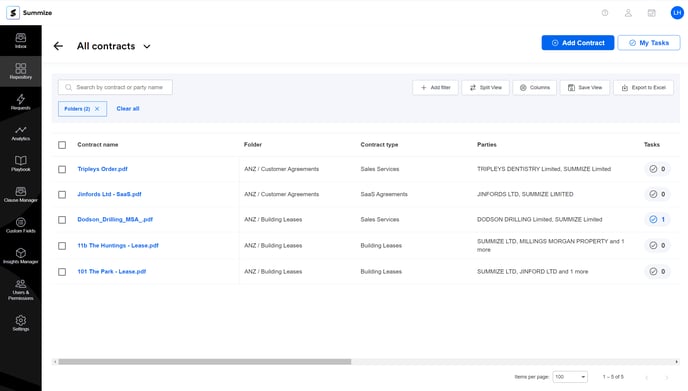
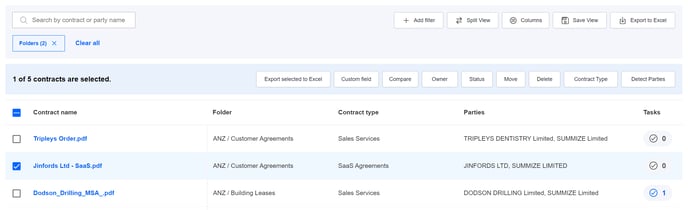
- Select the contract(s) you'd like to edit by ticking the check box on the left hand side, and click 'Contract Type' in option bar above the table:
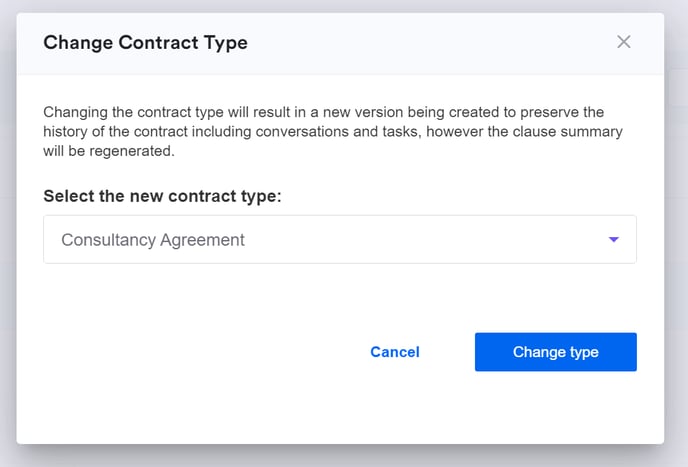
- Select the contract type that you'd like to change to, and click 'Change type':
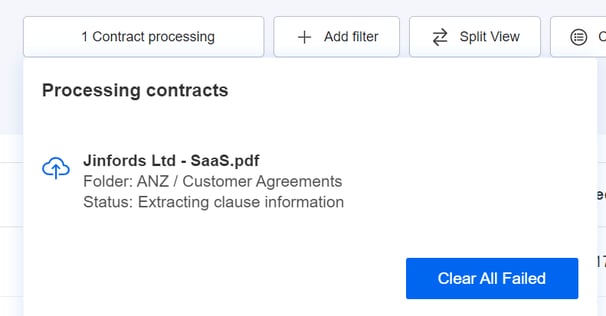
- The document will then take a moment to re-process its new summary:
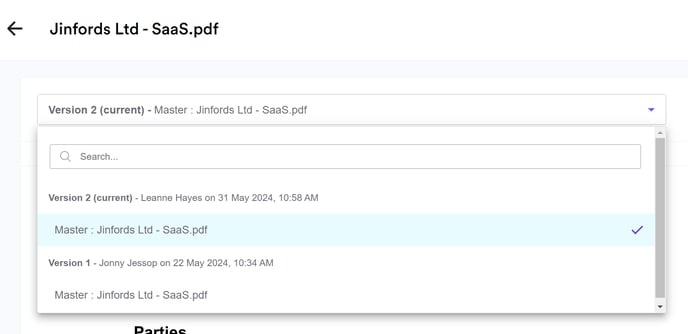
- Once ready, the document will have a new master version under the new contract type, giving you the ability to switch back to the previous contract type and summary if you need to: