
- Word Add-In
- How to Use the Word Add-in
How to use Create in the Word Add-in
Here's how to use Create in the Word Add-in
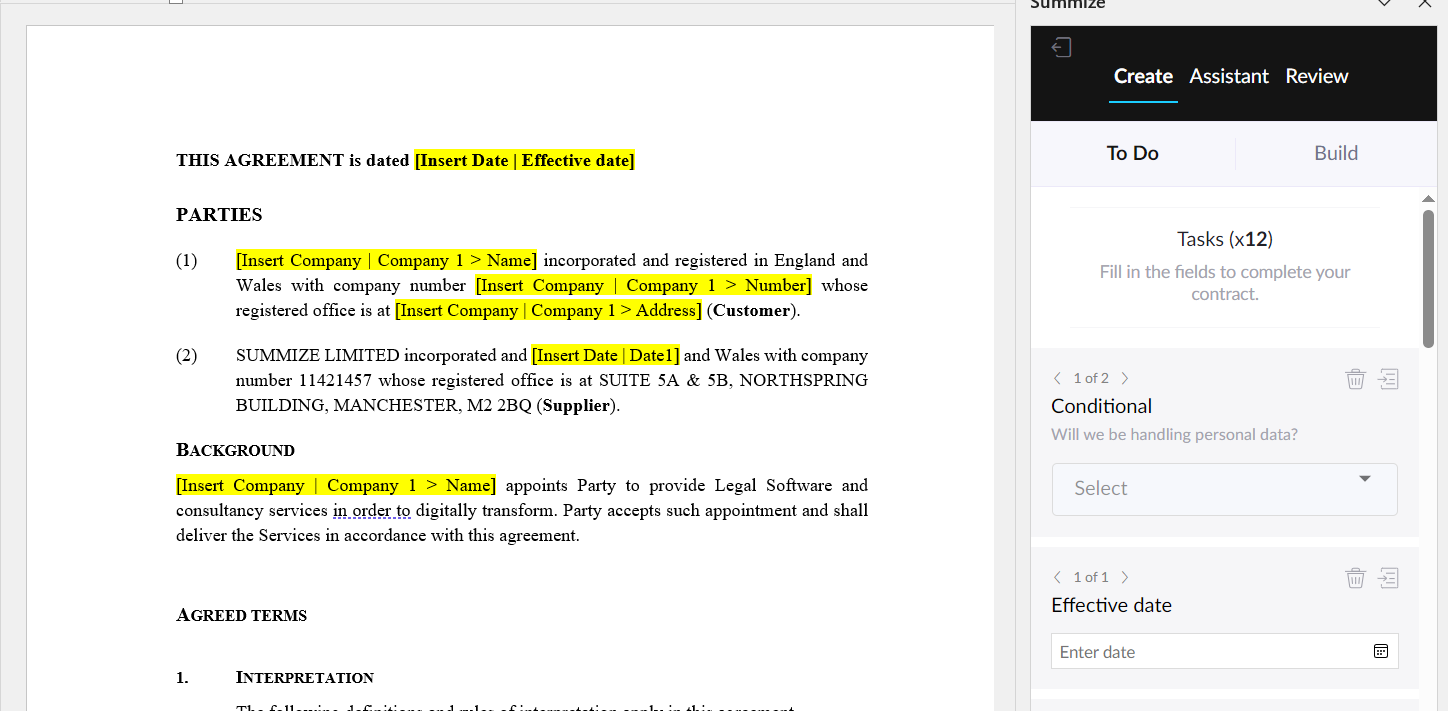
To-Do
To-Do recognises the square brackets in your template agreement and acts as a to-do list to help you populate them.
We use a companies directory to search for Company Names, Numbers and Addresses. By searching the company’s name, Summize will give you a drop down list with options to choose from which will auto-populate the address and company number.
Build
Use Build to tag your pre-existing templates with unique fields, or when you’re building from them from scratch.
These fields must be used when you want to allow the business to create their own agreements using the web app or a Legal Front Door integration.
Here's an overview video to show how the process works:
We advise watching a longer, more in-depth training session to fully understand how to tag up your templates. You can find that training video here.