
- Clause Manager
- Contract Types
Adding, renaming and deleting contract types
How to add and edit the list of contract types in Clause Manager
Clause Manager is available to Power and Power Pro users only
Adding a contract type
Contract types may include NDAs, MSAs, and Order Forms
- Click ‘Clause Manager’ on the left-hand side tool bar.
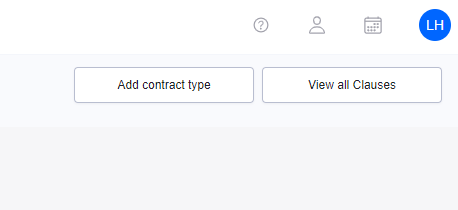
- Click ‘Add Contract Type’ at the top of the screen.
- Give your Contract Type a name and select the appropriate language.

4. Press ‘Save’.
Renaming a contract type
- Go to Clause Manager on the left-hand side tool bar.
- Click on the relevant Contract Type on the left of your screen
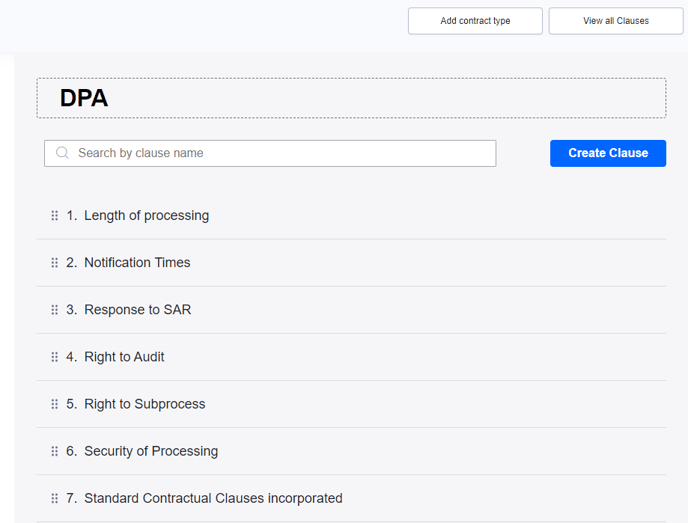
- Click on the name of the Contract Type on the right hand-side to edit
Deleting a contract type
- Go to ‘Clause Manager’ on the left-hand side tool bar.
- Hover over the contract type you would like to delete.
- Click the delete icon.
- Note that you cannot delete a contract type if there are contracts uploaded to it. You will need to go into the Repository and delete all contracts of that Contract Type before you can delete it from Clause Manager.